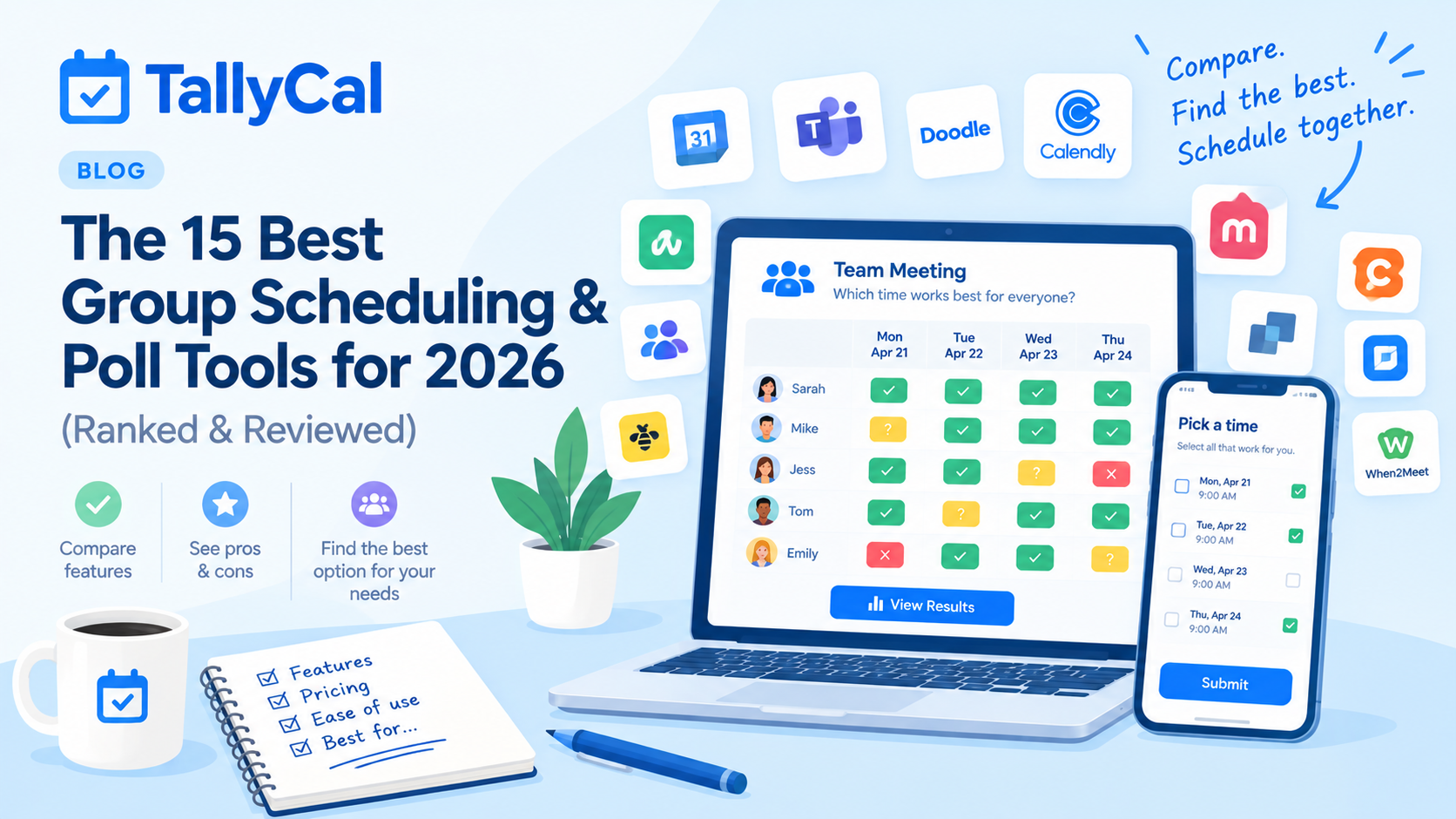
Reviewed for features, pricing, ad experience, and usability.
Finding a time that works for a group can feel like herding cats. Between conflicting calendar apps, time zone mismatches, and endless email threads, picking a simple meeting time often takes longer than the meeting itself.
Group scheduling tools solve this by using visual availability grids, slot polls, or sign-up sheets—allowing everyone to vote on their availability in seconds without back-and-forth messaging.
We spent weeks testing the most popular (and lesser-known) scheduling tools on desktop and mobile browsers to bring you the ultimate ranked guide for 2026.
Below is our tested review of the 15 best group scheduling tools for 2026, organized by design focus so you can find the exact right fit.
Quick Comparison: Multi-Format vs. Focused Tools
| Tool | Format Focus | Ad-Free Free Tier? | Account Required to Vote? | Key Differentiator |
|---|---|---|---|---|
| TallyCal | Multi-Format (Grids, Slots, Signups, RSVPs) | Yes | No | Modern, all-in-one ad-free polling |
| When2Meet | Grid-Focused | No | No | Classic minimal availability visual grid heatmap |
| Doodle | Date/Option-Focused | No | No | Established enterprise brand name |
| Rallly | Date/Option-Focused | Yes | No | Open-source minimalist date voter |
| PlanHero | Roster/Shift-Focused | Yes | No | Modern, ad-free volunteer shift sheets & QR codes |
| SavvyCal | Calendar Overlay-Focused | No | No | Recipient calendar overlay links |
The #1 Multi-Format Group Polling Platform
1. TallyCal — The Multi-Format Benchmark
Best For: Teams, clubs, educators, non-profits, and organizers who want one clean, ad-free platform for visual heatmaps, discrete slot polls, sign-up sheets, and digital RSVPs.
Why It’s #1:
While most group scheduling apps force creators to choose between a visual calendar grid, a date poll, or a sign-up sheet, TallyCal natively supports all core polling formats in a single app:
-
Visual Grid Heatmaps: Drag-and-paint hours on a calendar grid to find overlapping free time across a team.
-
Slot & Option Polls: Propose specific meeting dates or time slots for participants to vote "Yes", "No", or "If Need Be".
-
Sign-Up Roster Sheets: Set capped slot quantities for volunteer shifts, potluck items, or parent-teacher conferences.
-
Digital Event Invitations: Send polished event RSVPs with instant guest tracking.
TallyCal operates 100% ad-free across all tiers and requires no registration or login for participants, eliminating voting friction on both desktop and mobile browsers.
-
Pros:
-
Clean, modern interface with zero spammy display ads.
-
No account setup required for hosts or participants.
-
Handles Visual Grids, Slot Polls, Sign-Up Sheets, and RSVPs seamlessly.
-
Automatic time zone detection for remote participants.
-
Custom questions, CSV data export, and private sign-up options.
-
Mobile-optimized browser experience.
-
-
Cons:
-
No native mobile app download required (though fully web-optimized).
-
-
Pricing: Free plan includes unlimited polls and participants; Pro upgrades start at $7/month for custom branding and advanced admin controls.
Tools Focused Primarily on Visual Grid Heatmaps
These platforms specialize in "painting" calendar blocks to reveal an overlapping availability heatmap across a group.
2. When2Meet — Classic Minimal Availability Grid
Best For: Student groups, clubs, and casual meetups where visual presentation is not a priority.
Why It Stands Out:
When2Meet is an old-school classic that lets users drag across a daily time grid to paint their available hours in green. It requires no login, making it a staple on college campuses.
-
Pros:
-
100% free with no account setup.
-
Instant visual color density heatmap.
-
Granular 15-minute time slot selection.
-
-
Cons:
-
Outdated interface stuck in the 2000s.
-
Not mobile-optimized (difficult to paint on phone screens).
-
Anyone with the link can edit or overwrite guest responses.
-
Lacks discrete slot voting, sign-up rosters, or automated reminders.
-
-
Pricing: Free.
3. LettuceMeet — Mobile Heatmaps with Calendar Sync
Best For: College students and young adults coordinating casual events on smartphones.
Why It Stands Out:
LettuceMeet updates the classic grid heatmap experience with a clean, green modern UI and direct Google Calendar/Outlook overlays so users don't accidentally double-book.
-
Pros:
-
Responsive, mobile-friendly drag selection.
-
Direct calendar integration right on the voting page.
-
Ad-free, simple interface.
-
-
Cons:
-
Focused exclusively on time grids; no option for discrete slot voting or item signups.
-
Minimal admin settings for organizing larger corporate events.
-
-
Pricing: Free core version.
Tools Focused Primarily on Date & Time Option Voting
These tools present a list of specific proposed dates or time choices for guests to cast votes on.
4. Doodle — Traditional Meeting Poll Brand
Best For: Corporate environments requiring enterprise calendar integrations.
Why It Stands Out:
Doodle is the legacy brand in online meeting polls, allowing hosts to sync responses directly to Google Workspace or Outlook calendars.
-
Pros:
-
Deep calendar integrations (Outlook, Google, Teams).
-
Automated booking confirmations and reminders.
-
-
Cons:
-
Free tier is heavily cluttered with full-page video and banner ads.
-
Paid tiers are expensive compared to modern alternatives.
-
Requires account login for advanced features.
-
-
Pricing: Free (ad-heavy); Pro plans start at $6.95–$14.95/user/month.
5. Rallly — Open-Source Meeting Poll
Best For: Privacy-focused teams and open-source advocates.
Why It Stands Out:
Rallly provides a sleek, open-source alternative to Doodle, focusing strictly on simple date/time polls without ad clutter.
-
Pros:
-
Clean, dark-mode friendly design with no ads.
-
No account required for participants.
-
Built-in discussion thread under each poll.
-
-
Cons:
-
Lacks visual grid heatmap modes.
-
Free plan caps active polls and customization.
-
-
Pricing: Free core version; paid plan starts at $4–$8/month.
6. StrawPoll — Fast Option & Date Voting
Best For: Quick social decisions, casual meetups, and opinion polling.
Why It Stands Out:
While best known for quick opinion polls, StrawPoll includes a fast meeting scheduler for casual group coordination.
-
Pros:
-
Extremely fast setup with zero login.
-
Supports general opinion polls and time scheduling.
-
Mobile-responsive layout.
-
-
Cons:
-
Display ads on free tier.
-
No multi-day visual grid or calendar syncing.
-
-
Pricing: Free (ad-supported); ad-free plans available.
7. zcal — Video-Enhanced Meeting Polls
Best For: Hosts wanting to add a personal video intro to their group invite.
Why It Stands Out:
zcal focuses on high-converting personal invites by allowing hosts to embed short video greetings directly alongside interactive meeting polls and 1-on-1 booking slots.
-
Pros:
-
100% free core functionality with no forced ads.
-
Built-in video greeting embeds.
-
Modern, fast-loading voter UI.
-
-
Cons:
-
Lacks visual matrix grid heatmaps.
-
Cannot handle item or shift sign-up sheets.
-
-
Pricing: Free.
8. Framadate — Privacy-First Open-Source Polls
Best For: European teams requiring strict GDPR and data privacy compliance.
Why It Stands Out:
Operated by French non-profit Framasoft, Framadate is a non-commercial, open-source date and survey tool that collects zero user tracking data.
-
Pros:
-
Complete privacy compliance with no tracking or selling of data.
-
100% free and open-source.
-
-
Cons:
-
Very basic, legacy interface.
-
Limited mobile styling and mobile drag tools.
-
-
Pricing: Free.
Tools Focused Primarily on Event Sign-Ups & Rosters
These tools manage item signups, task assignments, and volunteer shift rosters.
9. SignUpGenius — Volunteer & Roster Standard
Best For: Schools, charities, and non-profits managing volunteer shifts and item rosters.
Why It Stands Out:
SignUpGenius is the traditional standard for PTAs and sports leagues, offering slot caps and category management for physical items or time slots.
-
Pros:
-
High brand familiarity for school and sports volunteers.
-
Multi-category quantity caps and roster reporting.
-
-
Cons:
-
Free version is overrun with heavy video and banner ads.
-
Clunky mobile browser interface.
-
-
Pricing: Free (ad-heavy); paid plans start at $11/month.
10. SignUp.com — Guided Activity Rosters
Best For: PTA organizers and coaches building simple shift sheets.
Why It Stands Out:
Formerly VolunteerSpot, SignUp.com offers a guided setup wizard for organizers creating activity sheets and assigning volunteer tasks.
-
Pros:
-
Step-by-step sheet creation wizard.
-
Automated email reminder system for participants.
-
-
Cons:
-
Ad-supported free version.
-
Lacks visual grid time-finding tools.
-
-
Pricing: Free (ad-supported); paid tiers start at $9.99/month.
11. PlanHero — Modern, Ad-Free Volunteer & Shift Signups
Best For: Schools, PTAs, non-profits, and faith groups looking for a clean, ad-free alternative to SignUpGenius.
Why It Stands Out:
PlanHero offers an ad-free signup sheet experience across all tiers. It simplifies roster management by supporting shift time spots, items-to-bring lists, automatic email/SMS reminders, calendar sync, and downloadable QR codes for event flyers.
-
Pros:
-
100% ad-free experience for organizers and participants across all tiers.
-
No mobile app download required for participants to sign up.
-
Supports recurring dates, shift increments, items-to-bring lists, and printable QR codes.
-
Automatic email/SMS reminder options to minimize no-shows.
-
-
Cons:
-
Free tier is limited to 1 active event at a time.
-
Focused primarily on roster shifts and volunteer management rather than visual matrix calendar heatmaps.
-
-
Pricing: Free tier available (1 active event up to 30 days); paid plans start at $4.99–$9.99/month for multiple active events and advanced volunteer tracking.
Tools Focused Primarily on 1-on-1 & Automated Booking
If your main goal is letting clients or leads book individual time slots directly onto your personal calendar, an automated booking tool is built for the job.
12. SavvyCal — Interactive Calendar Overlays
Best For: Consultants, executives, and teams who want guests to overlay their calendar over a scheduling link.
Why It Stands Out:
SavvyCal eliminates back-and-forth friction by allowing meeting invitees to overlay their personal or work calendar directly over the host's booking link to find instant overlaps.
-
Pros:
-
Innovative calendar overlay feature prevents double-booking.
-
Modern, high-end design aesthetic.
-
Includes group meeting poll capabilities on premium tiers.
-
-
Cons:
-
No permanent free tier (trial only).
-
Primarily optimized for 1-on-1 calendar links rather than open group availability polls.
-
-
Pricing: Paid plans start at $12–$17/user/month.
13. Calendly — Automated 1-on-1 Scheduling Leader
Best For: Sales reps, recruiters, consultants, and individual professionals taking 1-on-1 bookings.
Why It Stands Out:
Calendly is the global market leader in automated 1-on-1 calendar links. While it includes a "Meeting Poll" feature, its core workflow is built around booking direct appointments on personal or team calendars.
Axis Consulting
-
Pros:
-
Flawless calendar syncing with Google, Outlook, and iCloud.Axis Consulting
-
Deep integrations with Zoom, Salesforce, and Zapier.
-
Advanced round-robin routing and team scheduling.Axis Consulting
-
-
Cons:
-
Group meeting polls are secondary to 1-on-1 link creation.
-
Per-seat pricing gets expensive quickly for teams ($10–$16/seat/month).Activepieces
-
Free plan is strictly limited to 1 active event type.Activepieces
-
-
Pricing:Free basic plan (1 event type);Standard plan starts at $10/seat/month;Teams plan starts at $16/seat/month.
14. Cal.com — Open-Source White-Label Schedulers
Best For: Developers, SaaS platforms, and technical teams requiring white-label booking infrastructure.
Why It Stands Out:
Cal.com is a developer-first, open-source alternative to Calendly. It provides full API access, custom CSS/white-label options, and self-hosting capabilities.
-
Pros:
-
Open-source codebase with self-hosting options.
-
Developer-friendly APIs, webhooks, and React component libraries (
Cal Atoms).Zeeg -
Flexible round-robin and collective team scheduling.
-
-
Cons:
-
Overly complex interface for non-technical users running simple group polls.
-
Paid team plans start higher than standard polling tools ($15/user/month).Zeeg
-
-
Pricing:Free plan for individuals (1 user);Teams plan at $15/user/month;Platform API plans from $299/month.
15. Acuity Scheduling — Client Appointments & Workshops
Best For: Service providers, health practitioners, tutors, and fitness instructors taking bookings and payments.
Why It Stands Out:
Acuity Scheduling (owned by Squarespace) is a full-service appointment business platform. It handles calendar booking alongside deposit collection, intake forms, and recurring memberships.
Talkspresso+ 1
-
Pros:
-
Built-in client payment processing (Stripe, PayPal, Square).Talkspresso
-
Custom client intake forms and HIPAA compliance options (on Premium tier).Pabau
-
Supports group class registration and package sales.
-
-
Cons:
-
No permanent free plan (7-day trial only).Pabau
-
Not designed for casual group availability voting or quick consensus polls.
-
Expensive entry price compared to standalone polling tools.
-
-
Pricing:Starter plan at $16–$20/month;Standard plan at $27–$34/month;Premium plan at $49–$61/month.
Frequently Asked Questions (FAQ)
What is the difference between a Visual Grid Poll, a Slot Poll, and a Sign-Up Sheet?
-
Visual Grid Polls: Display days and hours as an interactive matrix where voters highlight all available times. Best for finding overlapping free time.
-
Slot Polls: Present specific proposed date/time choices for participants to vote "Yes", "No", or "Maybe". Best when an organizer has fixed options.
-
Sign-Up Sheets: Display capped slots or items that individuals claim (e.g., volunteer shifts, potluck dishes). Best for task allocation.
Why choose an ad-free group scheduling tool?
Ad-supported polling tools often place banner or video ads near interaction buttons on mobile devices, leading to accidental misclicks or abandoned votes. Ad-free tools like TallyCal ensure higher completion rates and a cleaner experience for guests.
Do participants need an account to vote on a group poll?
Top modern group scheduling tools—including TallyCal, When2Meet, and Rallly—do not require voters to register or log in to submit their availability.