Signup Sheets for Parent-Teacher Conferences
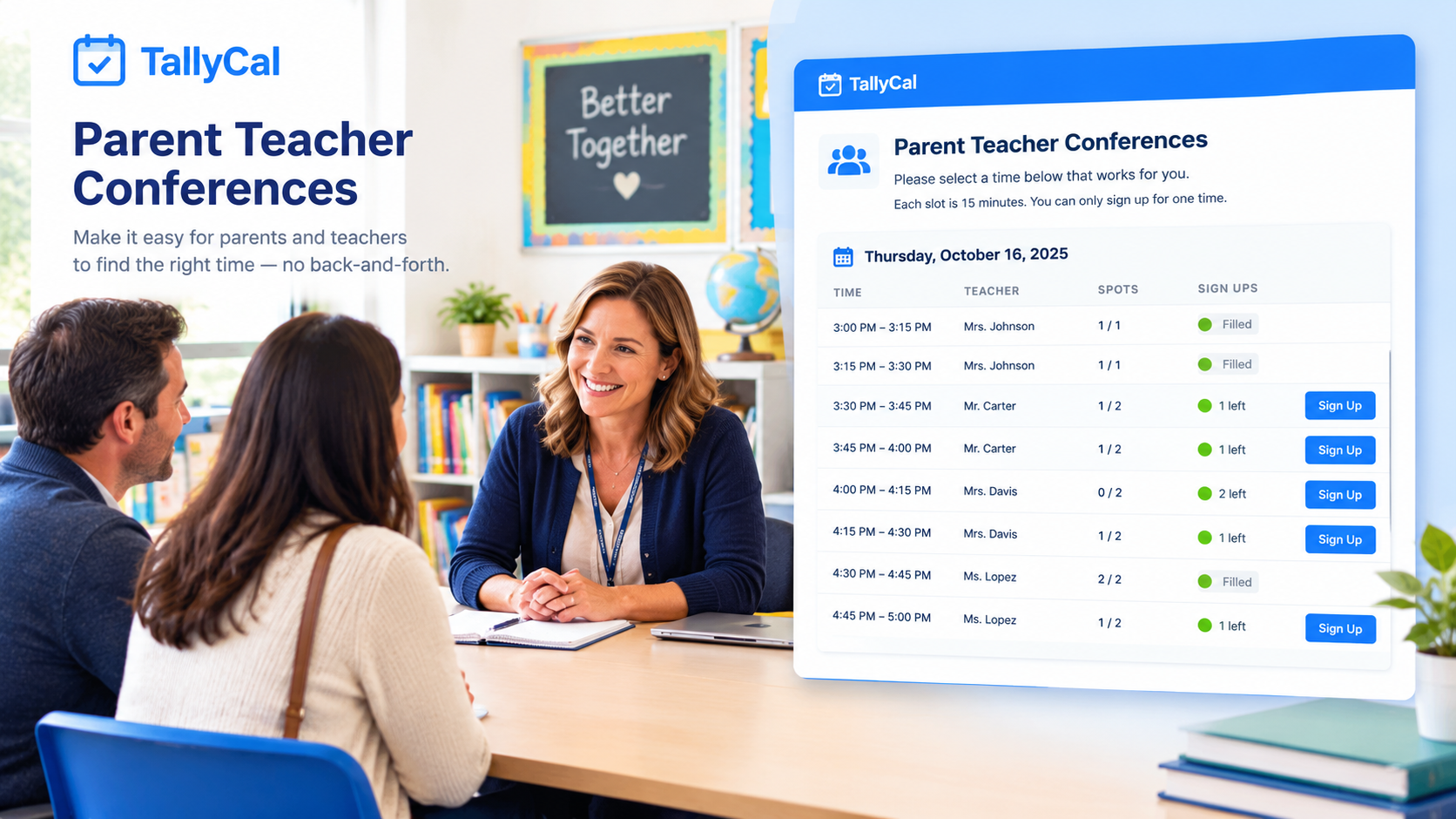
Organizing parent-teacher conferences often turns into an overwhelming game of email tag, double-booked time slots, and lost paper forms. TallyCal solves school scheduling with a clean, web-based slot poll designed specifically for busy educators. Teachers can set exact time blocks, cap attendance at one parent per slot, and share a single link—allowing parents to claim their preferred meeting time instantly without creating an account or wading through ads.
Benefits
-
Zero Friction for Parents: Parents click the link, select an available time slot, enter their name, and submit. No passwords, mandatory registrations, or app downloads required.
-
Automatic Slot Capping: Enforce strict 1-on-1 meeting limits (1 participant per slot) so parents can only select open, unreserved time slots—completely eliminating double bookings.
-
100% Ad-Free & Distraction-Free: Unlike other free signup tools that display intrusive banner ads or upsell popups, TallyCal delivers a clean, professional interface suitable for school environments.
-
Custom Contact Fields: Collect essential details upfront, such as the student’s name, preferred language, or specific topics parents wish to discuss during the conference.
How to Create Signup Sheets for Parent-Teacher Conferences
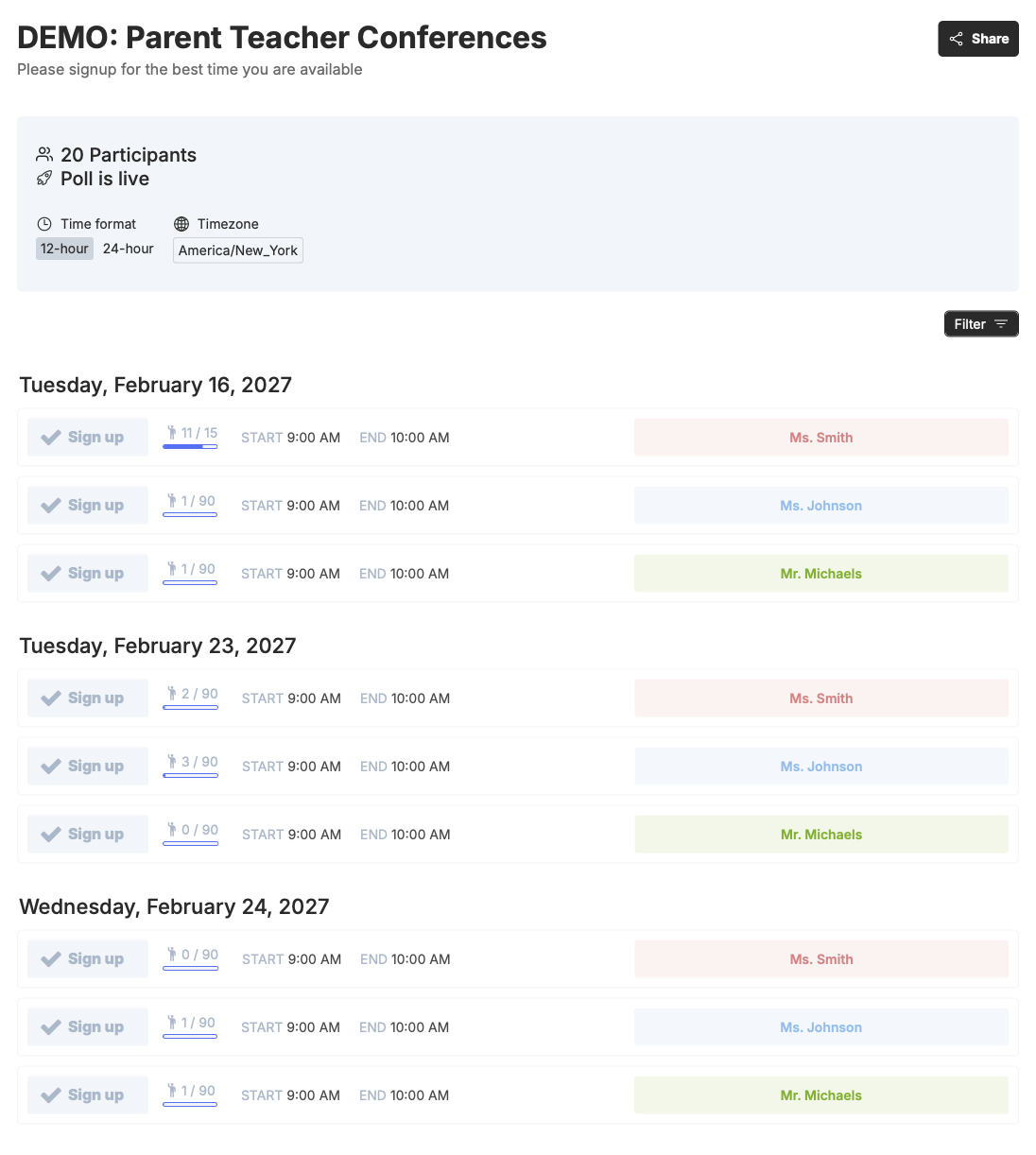
Step 1: Define Your Conference ScheduleLog into TallyCal and create a new matrix poll. Enter your conference dates (e.g., Thursday evening and Friday morning) and input your individual time blocks in 15-minute, 20-minute, or 30-minute intervals.
Step 2: Set Response Limits & Required Fields
Enable the Slot Limit feature and set the maximum responses per slot to 1. Add a custom contact field for "Student's Name" and toggle it as required so you always know which student each parent represents.
Step 3: Share the Link with Families
Copy your unique TallyCal link and distribute it to parents via email, Google Classroom, ClassDojo, Remind, or your school's communications portal.
Step 4: Manage & Review Your Schedule
Watch your conference schedule fill up in real time on your visual grid. Export the final schedule to CSV or sync responses directly to your calendar to keep your conference day running on time.
Frequently Asked Questions
Ready to end scheduling headaches?
Join thousands of organizers who use TallyCal to plan meetings, events, and signups effortlessly. Start creating your first poll in seconds.
TallyCal makes it easier to schedule group meetings with quick and simple polls for finding the best time. Focus on your event, not on the back and forth scheduling emails.
©2026 TallyCal All right reserved.