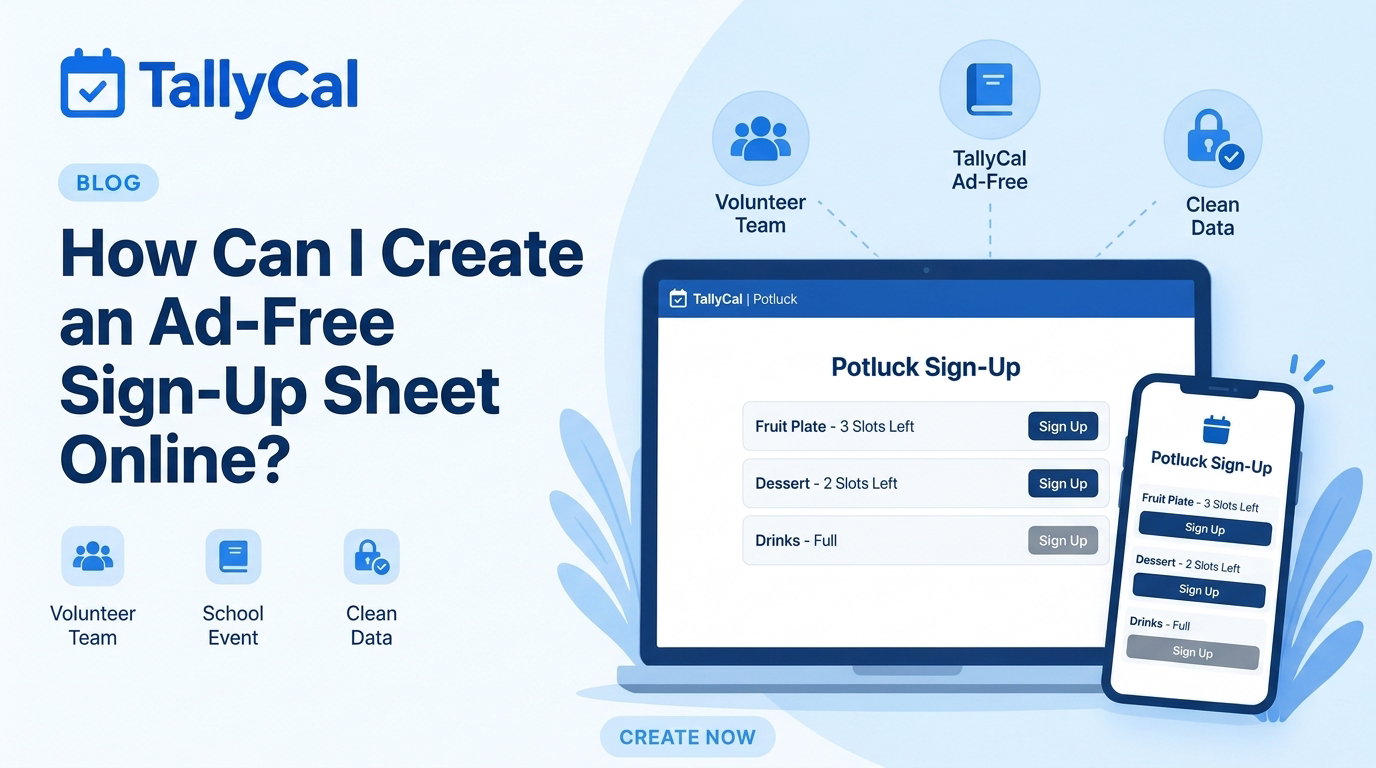
When you're organizing a school fundraiser, a church potluck, or a weekend sports snack roster, the goal is simple: get people to sign up quickly.
Unfortunately, if you’ve used traditional sign-up platforms lately, you’ve probably noticed a frustrating trend. Pages are crammed with intrusive banner ads, auto-playing video pop-ups, and trick "Download" buttons that confuse participants. Worse yet, many platforms force your volunteers to create an account, complete CAPTCHAs, or navigate through slow, laggy pages just to claim a single slot.
If you’re wondering how to create an ad-free sign-up sheet online that respects your participants' time and keeps your organization looking professional, this guide covers everything you need to know.
The Problem with Traditional Sign-Up Platforms
Legacy sign-up sites rely heavily on third-party ad networks to monetize their free tiers. While this model works for their bottom line, it creates a poor experience for organizers and volunteers alike.
-
Misdirected Clicks & Confusion: Intrusive banner ads often mimic action buttons. Volunteers frequently click fake "Download" or "Continue" ads instead of the actual sign-up form.
-
Unprofessional Brand Image: When you send a link to parents, donors, or team members, displaying third-party ads (which can sometimes show inappropriate or off-brand content) lowers trust.
-
Mobile Slowdowns & Abandonment: Video ads and tracking scripts bloat page size. On mobile networks, pages load slowly, causing frustrated volunteers to abandon the sign-up midway.
-
Forced Account Creation: Requiring volunteers to set up yet another username and password creates unnecessary friction.
Why Ad-Free Sign-Up Sheets Get Higher Completion Rates
Switching to a modern, ad-free sign-up sheet isn't just about aesthetics, it directly impacts your attendance and volunteer completion rates.
-
Zero Friction Means Instant Action: When participants open a clean link, they can enter their name, choose a slot, and submit in seconds without navigating around ads or entering passwords.
-
Better Mobile Usability: Over 70% of group sign-ups happen on mobile devices via group texts or email links. Ad-free pages load instantly on smartphone screens.
-
Higher Trust & Participation: A clean, distraction-free form signals that your organization values privacy and professionalism.
💡 Ready for a cleaner sign-up experience?
Create your first ad-free sign-up sheet on TallyCal in less than 60 seconds—no credit card or account registration required.
👉 Create an Ad-Free Sign-Up Sheet on TallyCal Now
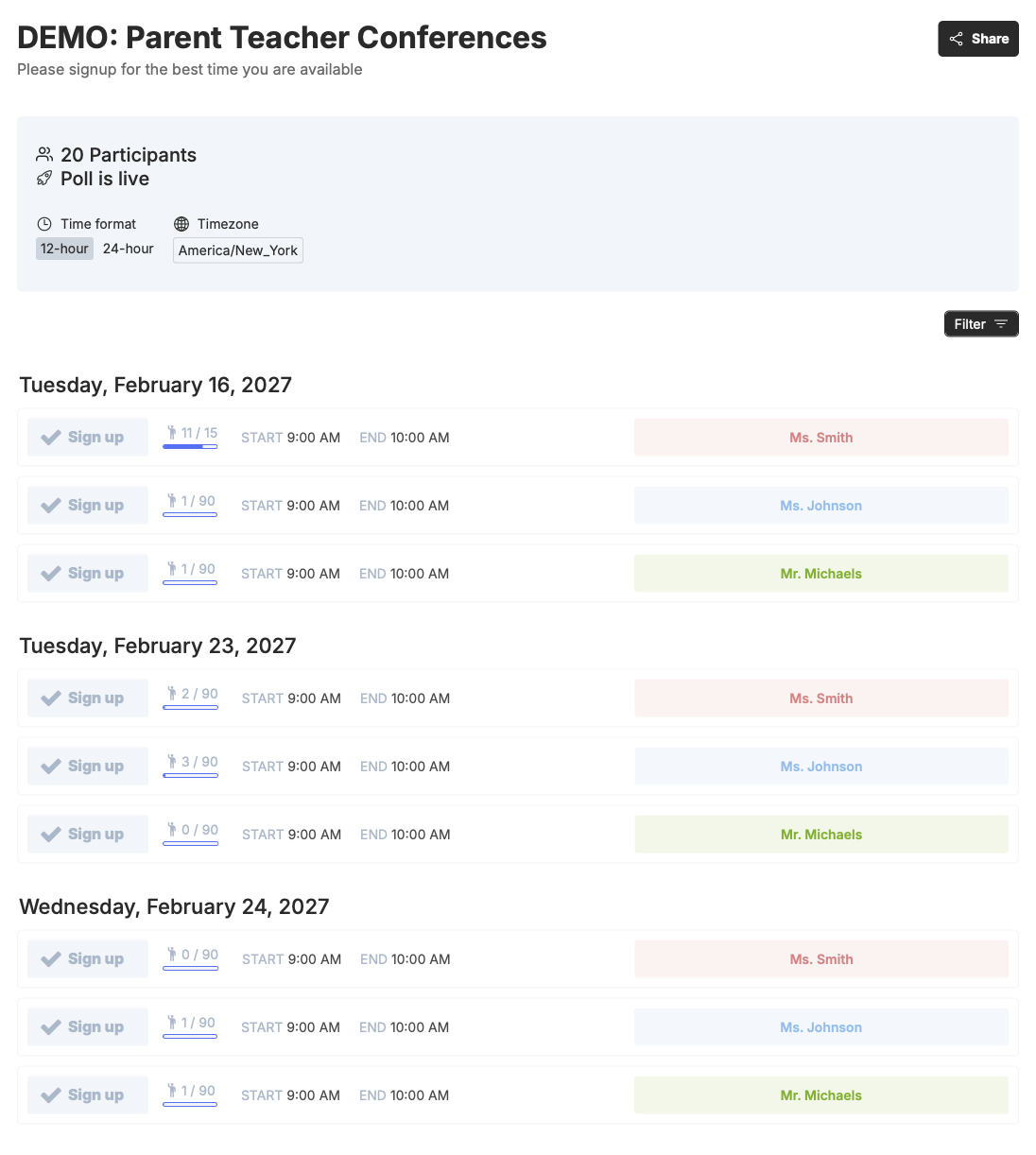
How to Create an Ad-Free Sign-Up Sheet on TallyCal (In 4 Simple Steps)
Creating a clean, professional sign-up sheet doesn't require technical skills or lengthy setup processes. Here is how to do it in under a minute:
Step 1: Open TallyCal & Title Your Event
Head to TallyCal and click Create Sign-Up Sheet. Give your event a clear, recognizable name (e.g., "Spring PTA Bake Sale" or "Youth Soccer Snack Roster").
Step 2: Define Your Slots or Time Intervals
Customize your sheet based on what you need:
-
Itemized Sign-Ups: Perfect for potlucks, supply drives, or bake sales (e.g., "Plates & Napkins (2)", "Fruit Tray (1)", "Juice Boxes (3)").
-
Time-Based Shifts: Ideal for booth volunteers, parent-teacher conferences, or event setup (e.g., "9:00 AM – 10:30 AM Shift (3 volunteers needed)").
Step 3: Set Optional Privacy & Limit Rules
Customize your sheet options based on your event requirements:
-
Set maximum limits per slot to prevent overbooking.
-
Enable hidden responses if you want participant details to remain visible only to the host.
Step 4: Share Your Link or QR Code
Copy your unique sign-up link or download the automatically generated QR code. Share it directly in your group text, email newsletter, or printed flyer. Participants click the link, pick their spot, and sign up, no login required.
Comparison: TallyCal vs. Legacy Tools vs. Spreadsheets
| Feature / Benefit | TallyCal | Other websites | DIY Spreadsheets (Google Sheets / Excel) |
|---|---|---|---|
| Ads & Pop-Ups | Zero Ads | Heavy banner & video ads | None |
| Account Required for Participants? | No | Frequently required | No (if set to public edit) |
| Mobile-Friendly Interface | Yes (Ultra-fast) | Often clunky due to ad blocks | Difficult to format on phones |
| Data Protection | Prevents accidental overwrites | Standard protection | High risk of users deleting others' data |
| Setup Time | < 60 Seconds | 5–10 minutes | Manual layout required |
Top Use Cases for Ad-Free Online Sign-Up Sheets
1. School PTAs, Teachers & Room Parents
Organize classroom volunteers, field trip chaperones, and teacher appreciation lunches without forcing parents to dodge ads or set up passwords.
2. Churches, Synagogues & Nonprofits
Maintain a respectful, distraction-free environment for service volunteer shifts, donation drives, and community outreach events.
3. Youth Sports Teams & Recreational Leagues
Send quick weekly snack lists or game-day volunteer sign-ups via group chat (WhatsApp, SMS, or Slack) that parents can fill out instantly on their phones.
4. Potlucks, Block Parties & Social Clubs
Avoid duplicate dishes at your next gathering by letting guests see real-time item updates on a clean, visual grid.
🚀 Streamline your group coordination today.
Stop wasting time with cluttered, ad-heavy forms. Build a clean, instant sign-up sheet with TallyCal.
👉 Start Building Your Sheet for Free
Frequently Asked Questions (FAQ)
Why do so many free sign-up sites have so many ads?
Legacy platforms rely on third-party ad networks to generate revenue from free users. These ad networks track user data and place heavy banners, video pop-ups, and promotional links on the sign-up page.
Can I create an ad-free sign-up sheet using Google Sheets or Excel?
While Google Sheets is ad-free, public spreadsheets are not designed for group sign-ups. Any user with edit access can accidentally delete, overwrite, or alter another participant’s entry. Dedicated tools like TallyCal provide real-time slot locking and data protection while remaining completely ad-free.
Do participants need an account or app to sign up on TallyCal?
No. Participants do not need to download an app or register an account. They simply click the link, type in their name, select their slot, and confirm.
Summary: The Better Way to Coordinate Groups
Creating an online sign-up sheet shouldn't mean subjecting your volunteers to ads, pop-ups, and login walls. By using a modern, minimalist platform like TallyCal, you provide a seamless, high-converting experience that respects your group's time and keeps your organization looking sharp.