Let’s face it: trying to coordinate a group meeting can feel like herding cats. Whether you’re planning a volunteer shift, a fantasy football draft, a remote team meeting, or just a weekend dinner with friends—finding a time that works for everyone is the hard part.
That’s where group scheduling poll tools come in. These apps let you create a poll, send it to participants, and quickly see what time works best for the group—without a mess of emails or text chains.
We spent weeks testing the most popular (and some lesser-known) tools to bring you the ultimate ranked guide for 2025. Here’s how they stack up:
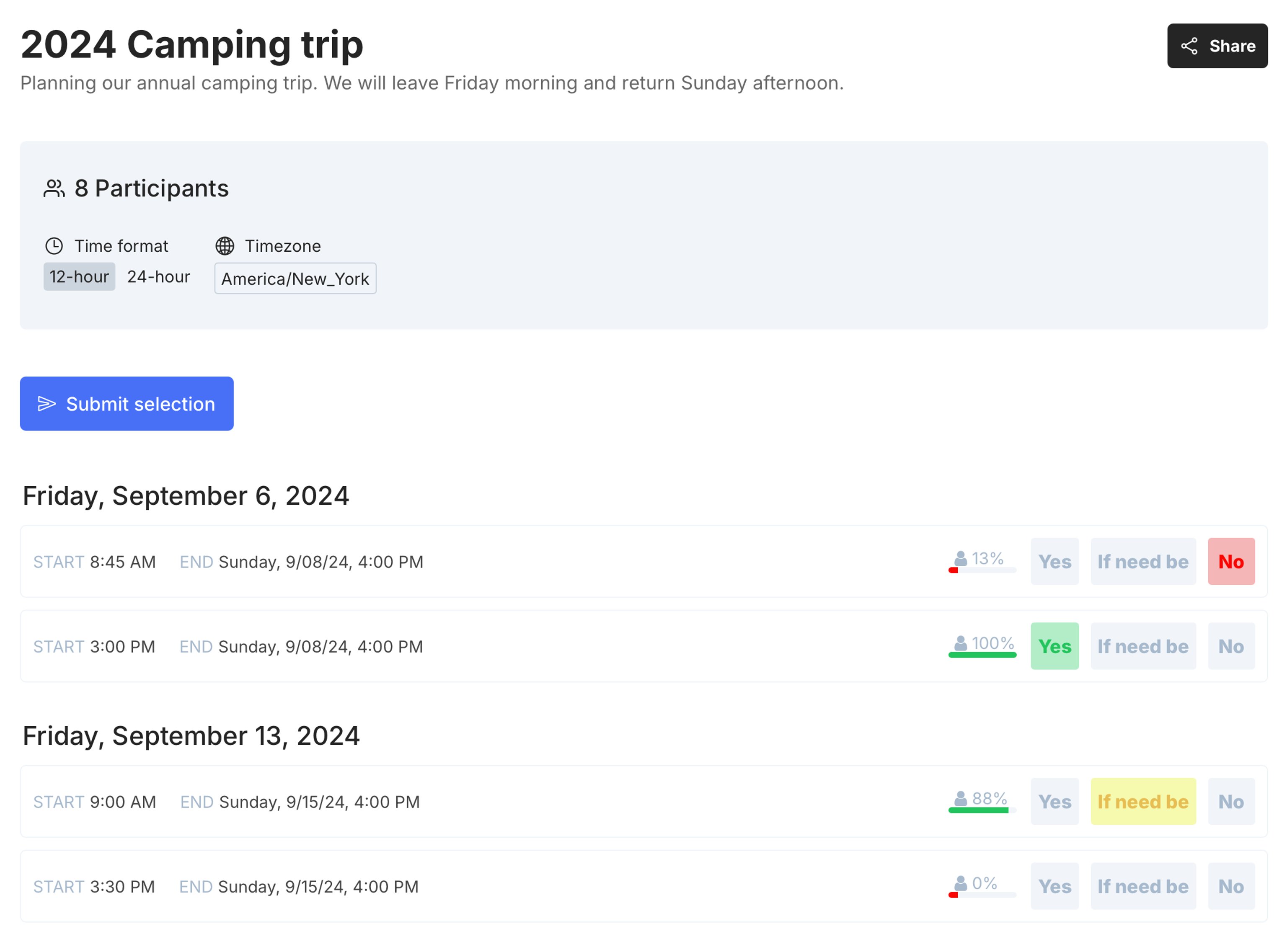
🏆 1. TallyCal – Best Overall for Group Scheduling
Why it’s #1: TallyCal combines the simplicity of a scheduling poll with the polish of a professional booking tool. It's ideal for teams, schools, event organizers, and anyone who needs to coordinate across calendars.
-
Pros:
-
Modern, clean interface
-
Works beautifully with Google Calendar
-
Easily collect availability across multiple types of polls
-
Ideal for both group polls and signup sheets
-
Schedule time slots for multi day events
-
No ads
-
No account required for hosts or participants
-
Unlimited polls and participants
-
Custom questions, CSV export & privacy controls
-
-
Cons:
-
No native mobile app (yet). However, the simple and clean experience on a mobile browser is amazing!
-
Free plan has limited time slots
-
-
Best for: Teams, educators, freelancers, and organizers who want something more robust than a basic poll
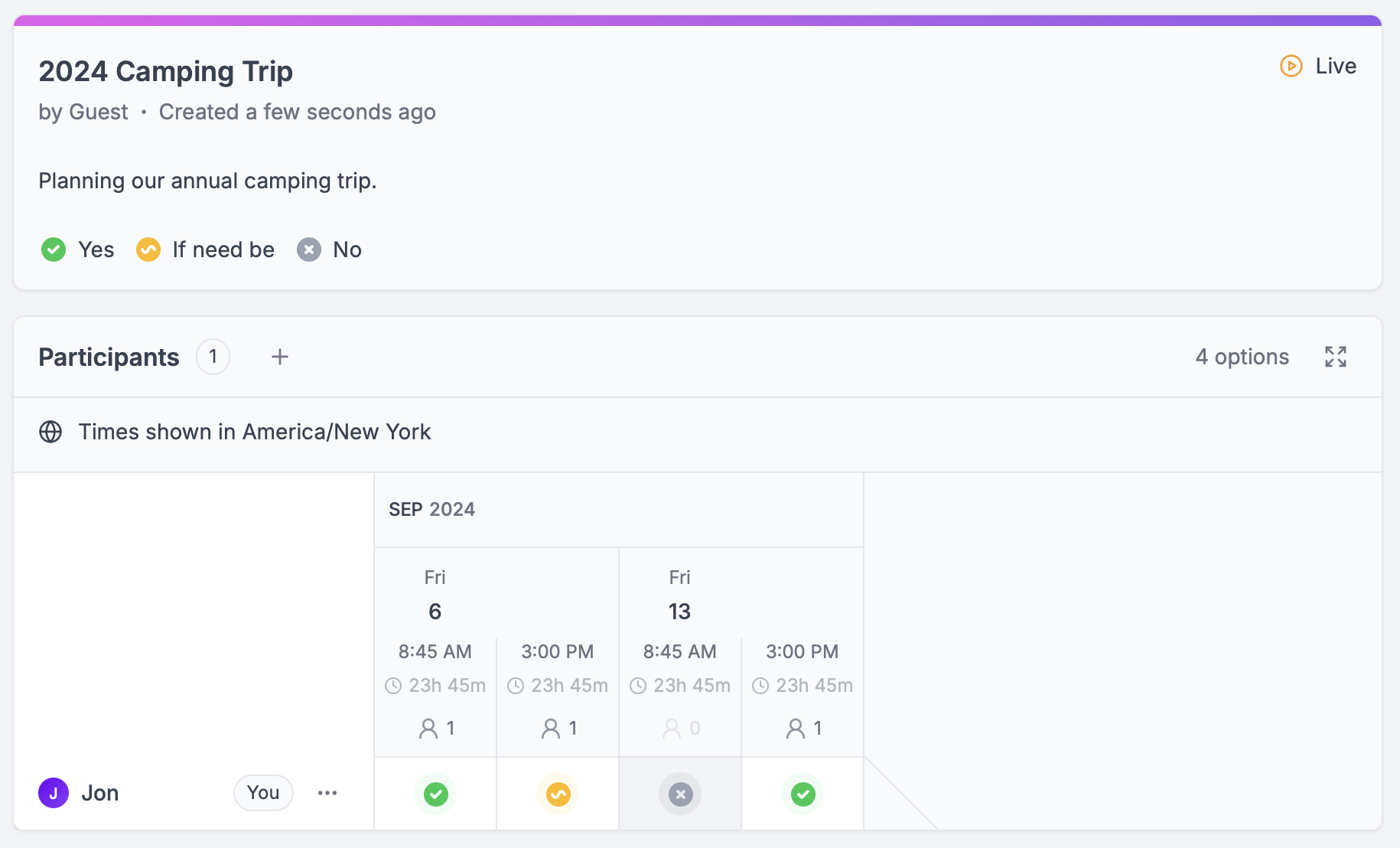
🥈 2. Rallly – Best for Open Source Fans
Why it stands out: Rallly is a sleek, open-source alternative that focuses solely on scheduling without the fluff.
-
Pros:
-
Free and open source
-
No account required
-
Straightforward, clean design
-
No ads
-
-
Cons:
-
Limited integrations and premium features
-
No multi day time slot options
-
No heat map polls or signup sheets
-
No built in reminders or automation
-
-
Best for: Privacy-conscious users or groups who want something lightweight and no-frills
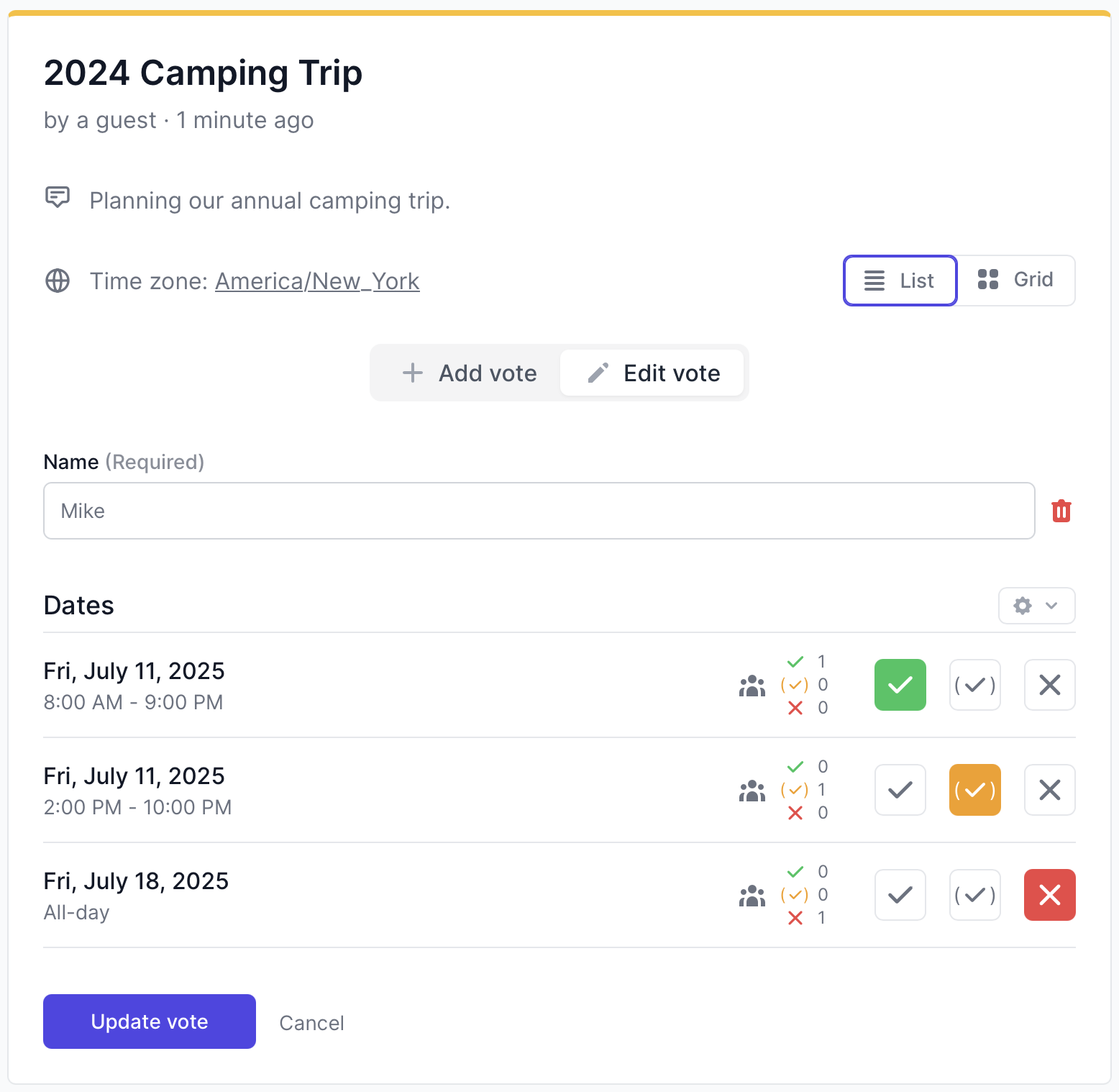
🥉 3. StrawPoll – Best for Quick Polls, Not Just Scheduling
StrawPoll is more than just a scheduling tool, it’s a simple polling app that’s fast and easy for casual coordination.
-
Pros:
-
Fast to set up
-
Works for any kind of poll (not just time slots)
-
Responsive mobile design
-
-
Cons:
-
Doesn’t sync with calendars
-
Not ideal for recurring events
-
Free plan has ads
-
No multi day time slot options
-
-
Best for: Informal use—like choosing a movie night or lunch date
4. Xoyondo – Great for Advanced Availability Polls
Xoyondo lets you create availability polls, opinion polls, and anonymous surveys—all in one place.
-
Pros:
-
Multi-use tool
-
Email notifications
-
Optional anonymity
-
no registration required
-
-
Cons:
-
Outdated UI
-
Free plan has ads
-
No mobile app
-
Infrequent new feature releases
-
-
Best for: Corporate users who want flexibility in poll types
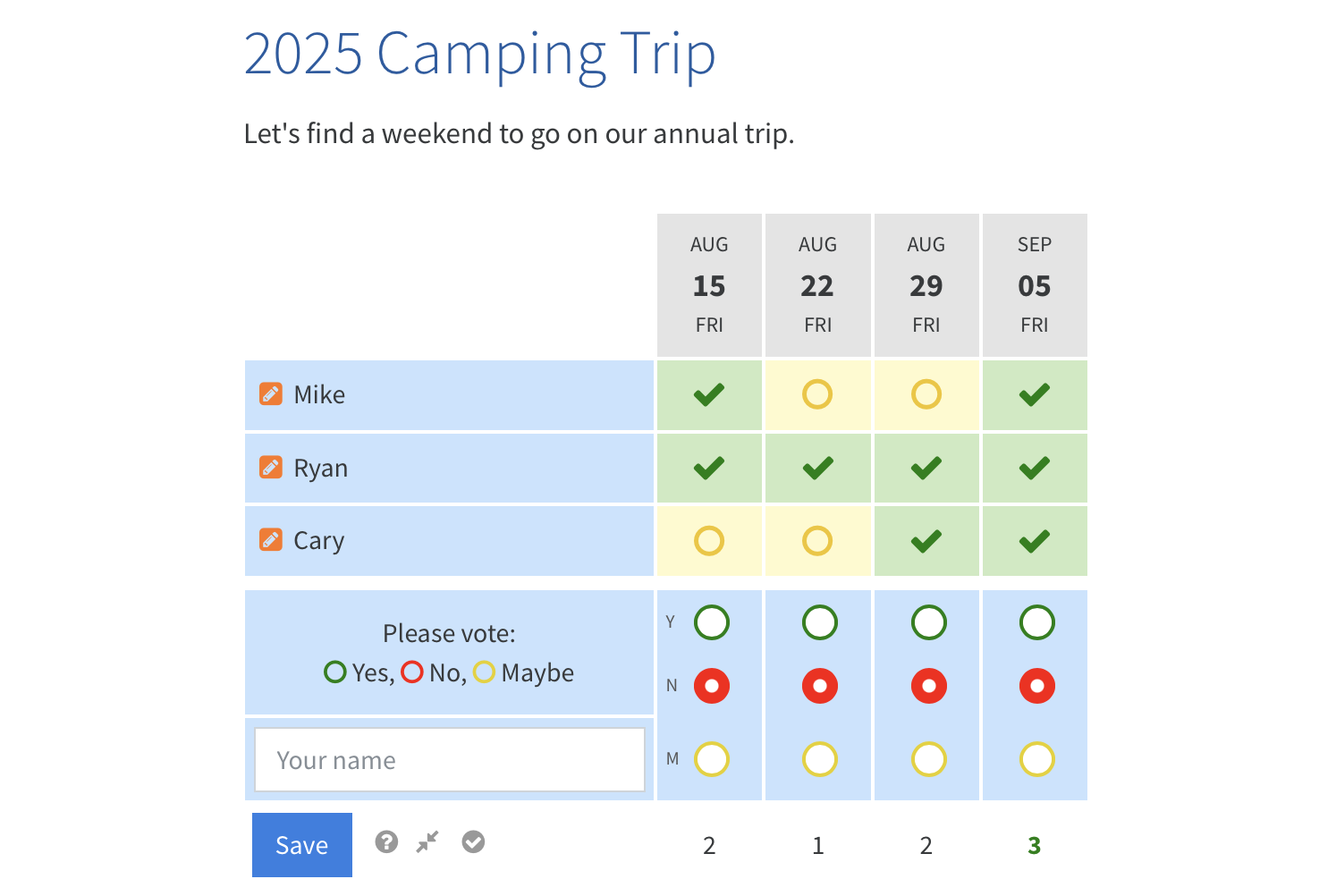
5. Doodle – The Veteran Still Holding On
Doodle has been around for years and remains a go-to for many professionals.
-
Pros:
-
Calendar syncing
-
Mobile app available
-
-
Cons:
-
Many features behind a paywall
-
Ads in the free version
-
Free version doesn't allow host to participate
-
-
Best for: Enterprises or large organizations already using Doodle
est for
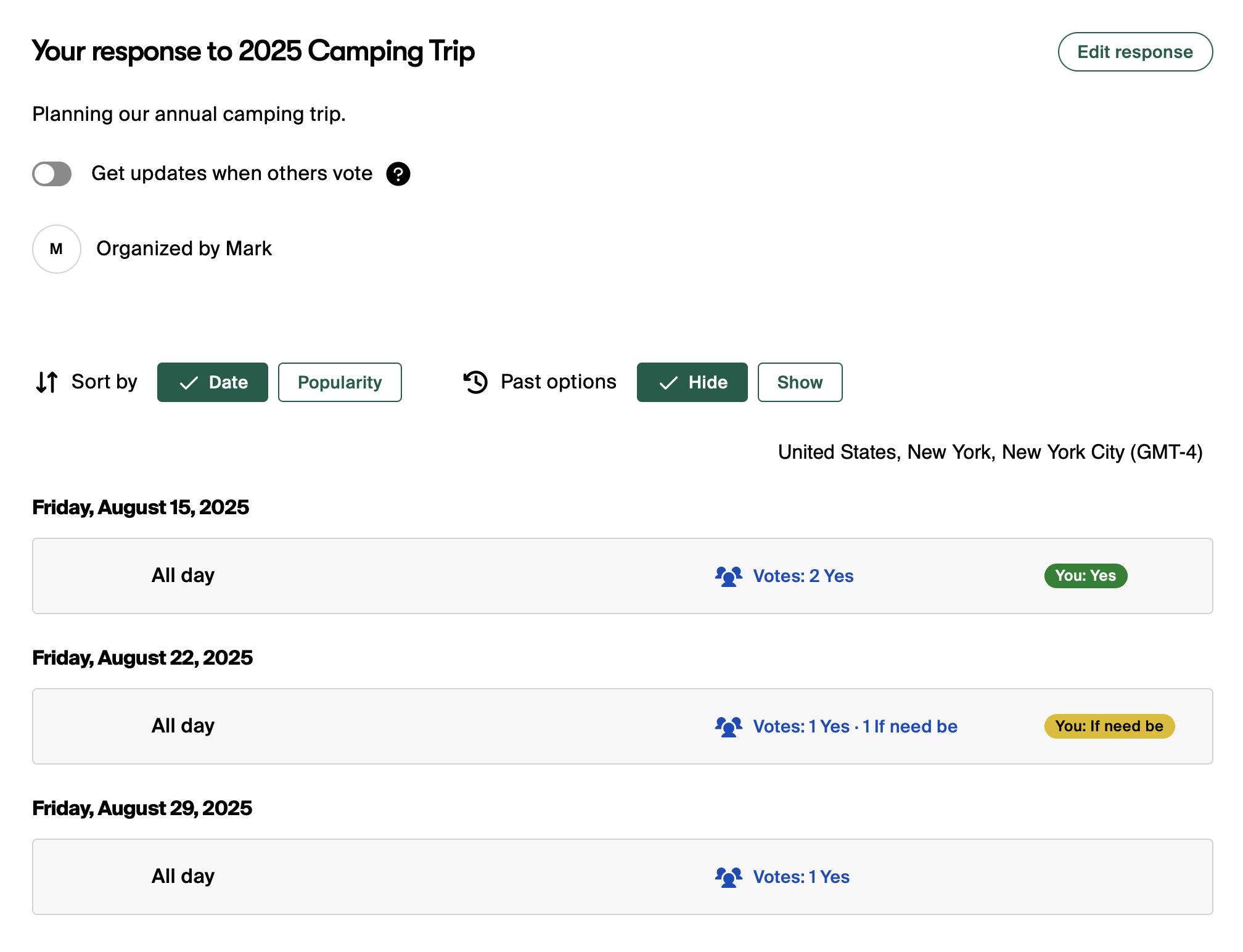
6. LettuceMeet – Simple, Green, and Minimal
This quirky-named app offers a fresh take on group scheduling.
-
Pros:
-
No account needed
-
Mobile-friendly interface
-
No ads
-
-
Cons:
-
No calendar integration
-
Lacks depth for complex scheduling
-
-
Best for: Students or casual users
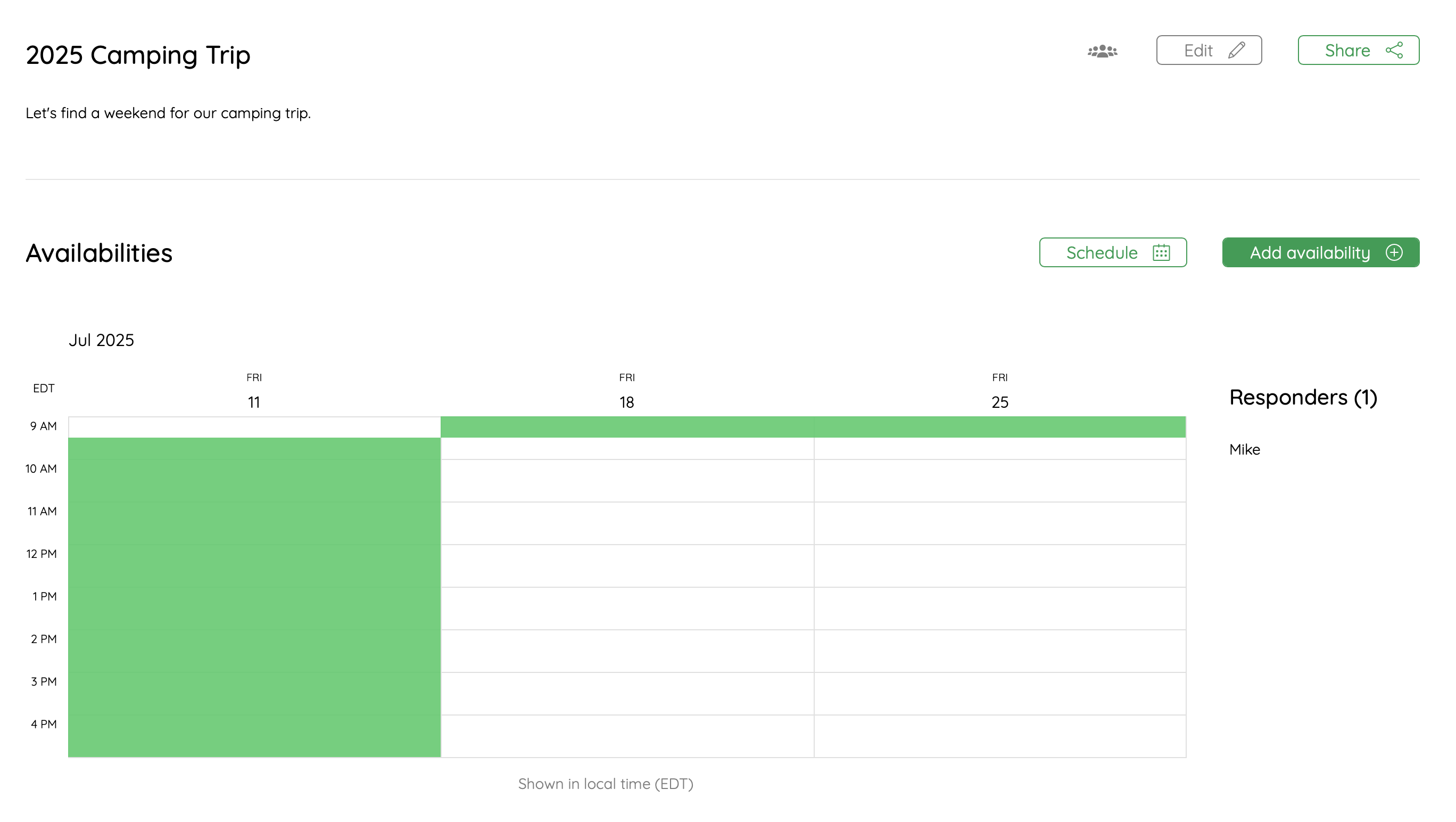
7. When2meet – Old School, Still Works
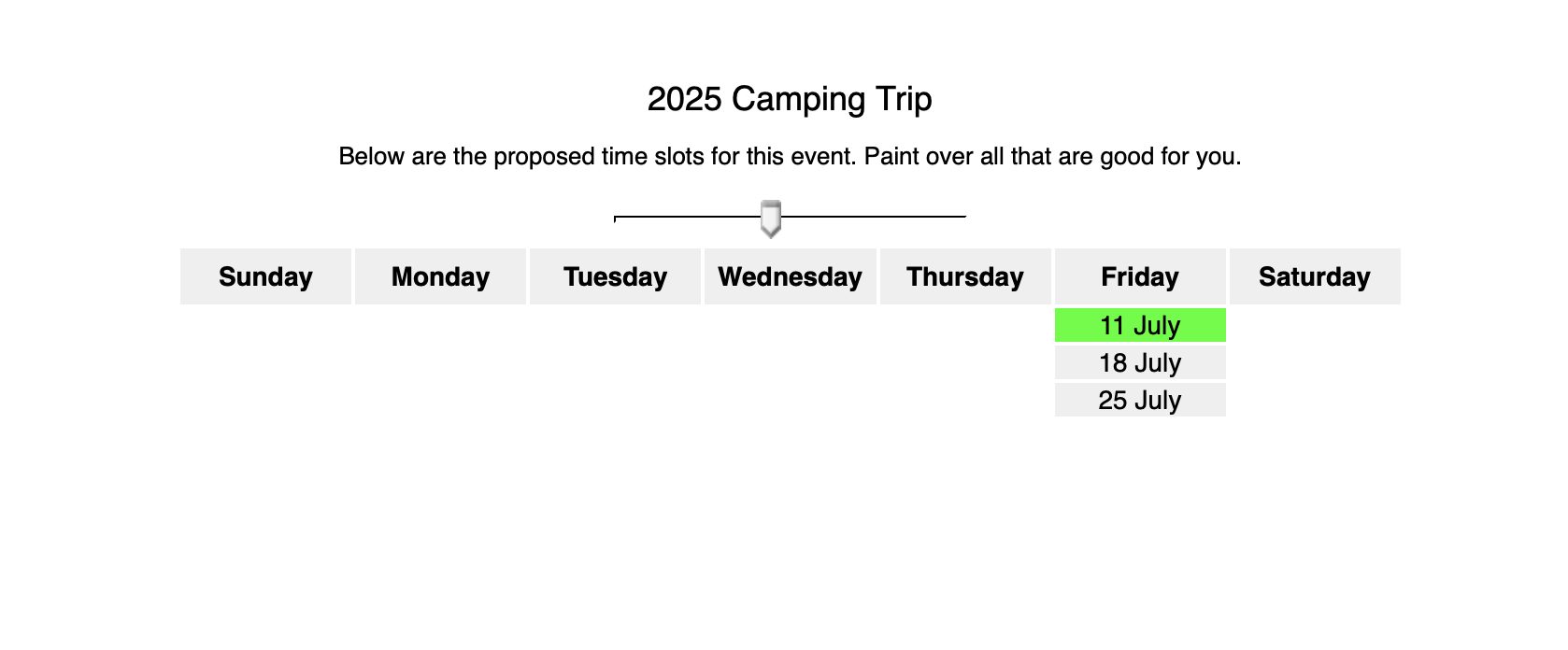
The interface may look like it’s stuck in 2010, but it’s functional and to the point.
-
Pros:
-
No logins required
-
Fast and anonymous
-
Granular 15 minute time slot selection
-
-
Cons:
-
Not mobile-optimized
-
Confusing for first-time users
-
Free plan has ads
-
Heatmap polls only
-
Old and ugly UI
-
-
Best for: Student groups and clubs

8. Schej.it – Underrated Simplicity
A niche option with a smart interface and clever name.
-
Pros:
-
Fast setup
-
Good UX and modern interface
-
No ads
-
Open source
-
-
Cons:
-
Very small user base
-
Limited support
-
Heatmap polls only
-
Limited support
-
limited to 2 events per month for free users
-
-
Best for: Small, tight-knit groups
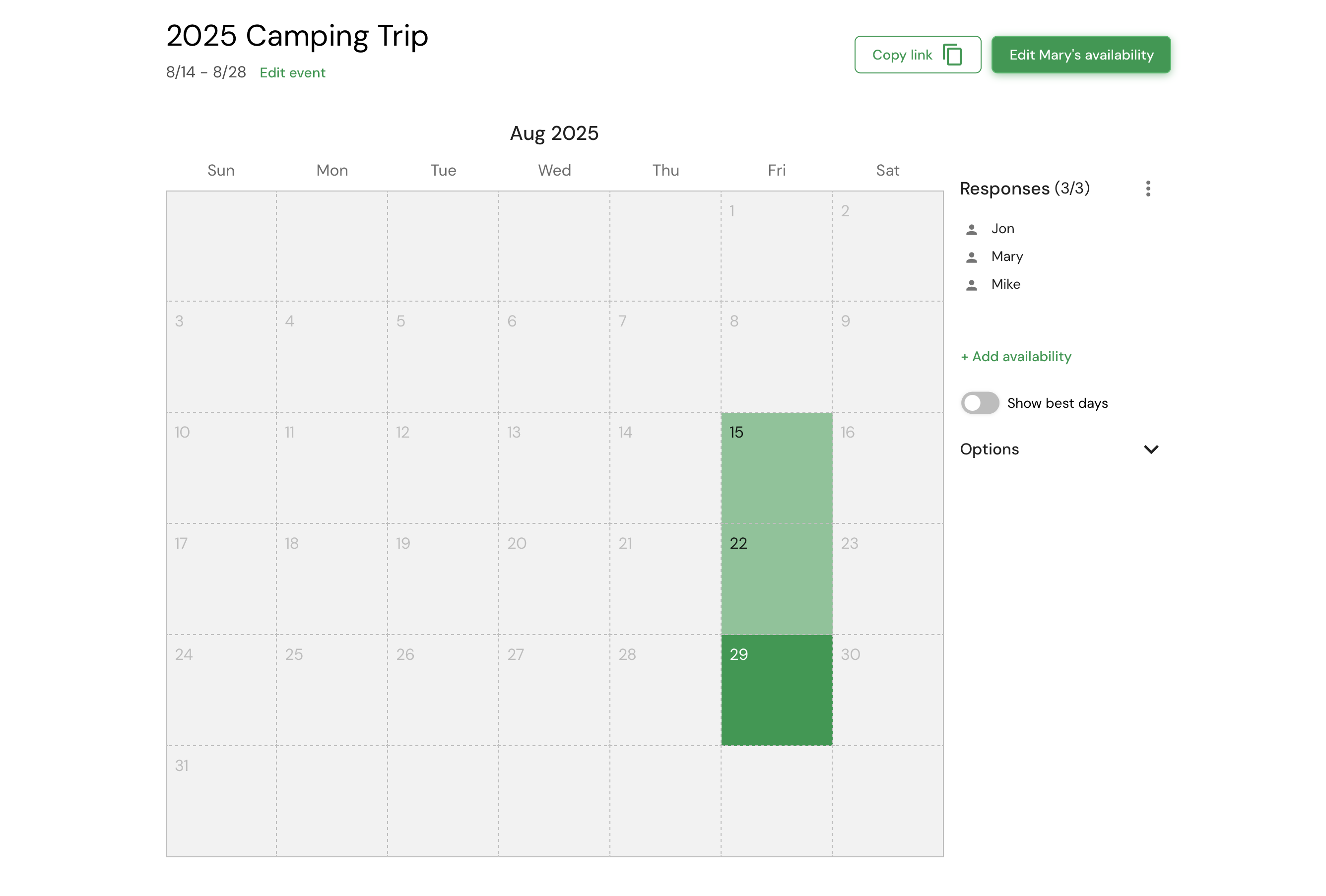
9. Crab.fit – Best for Matching Energy Levels and Work Styles
Crab.fit takes a different approach to group scheduling—rather than just picking a time, it helps match people based on their working styles, time preferences, and energy levels.
-
Pros:
-
Unique approach to team scheduling
-
Great for understanding team dynamics
-
Visually intuitive interface
-
Free, and open source
-
-
Cons:
-
Less useful for external scheduling or client-facing meetings
-
Limited integrations
-
Limited features
-
-
Best for: Teams that care about collaboration chemistry, not just availability
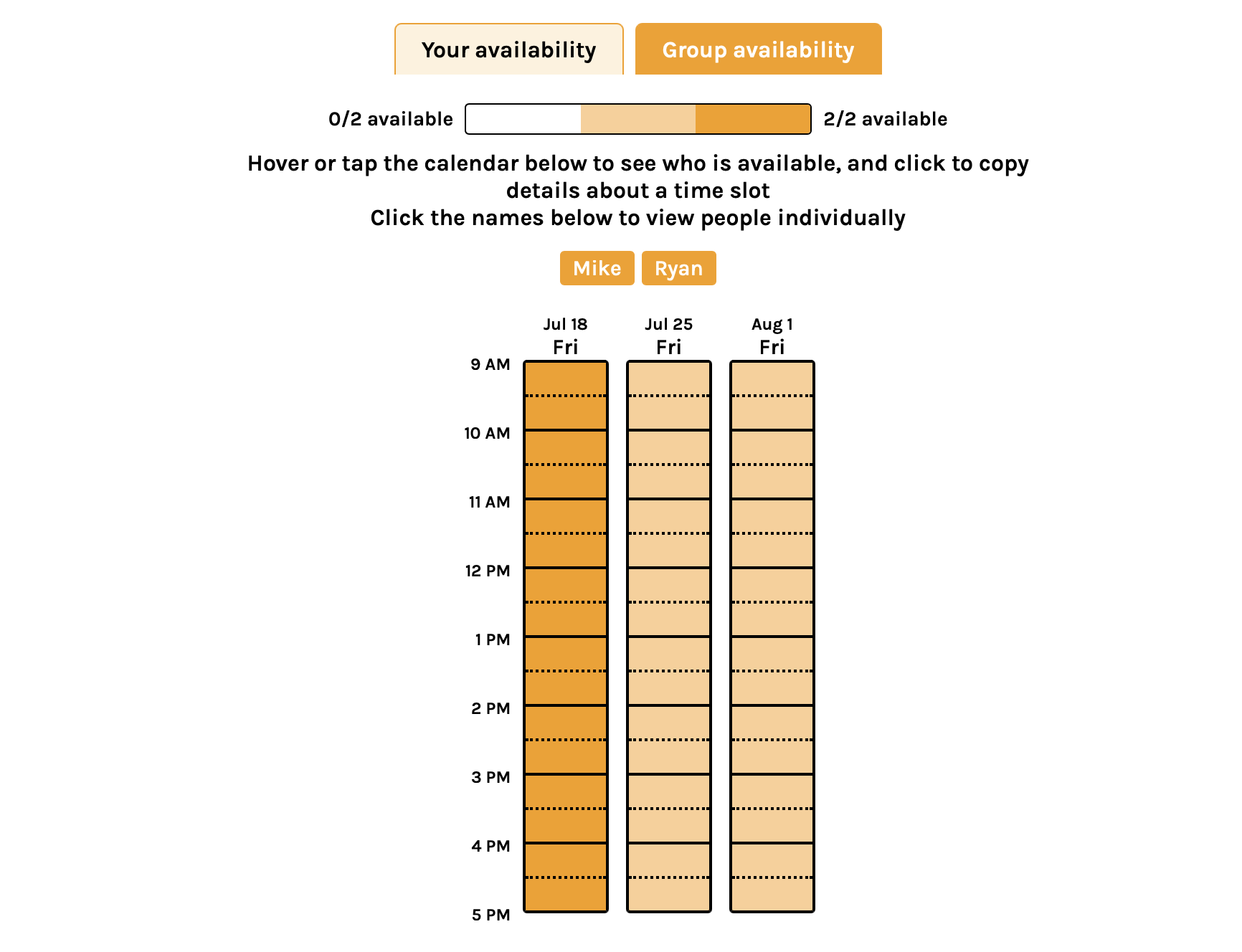
10. Google Forms – A DIY Option That Works
Not built for scheduling, but with a little creativity, it gets the job done.
-
Pros:
-
Highly customizable
-
Free with Google account
-
Unlimited responses
-
-
Cons:
-
No automatic time parsing or calendar syncing
-
Must login to Google to get started
-
Missing advanced features that other tools offer specifically for group scheduling
-
-
Best for: Teachers and admins already deep in Google Workspace
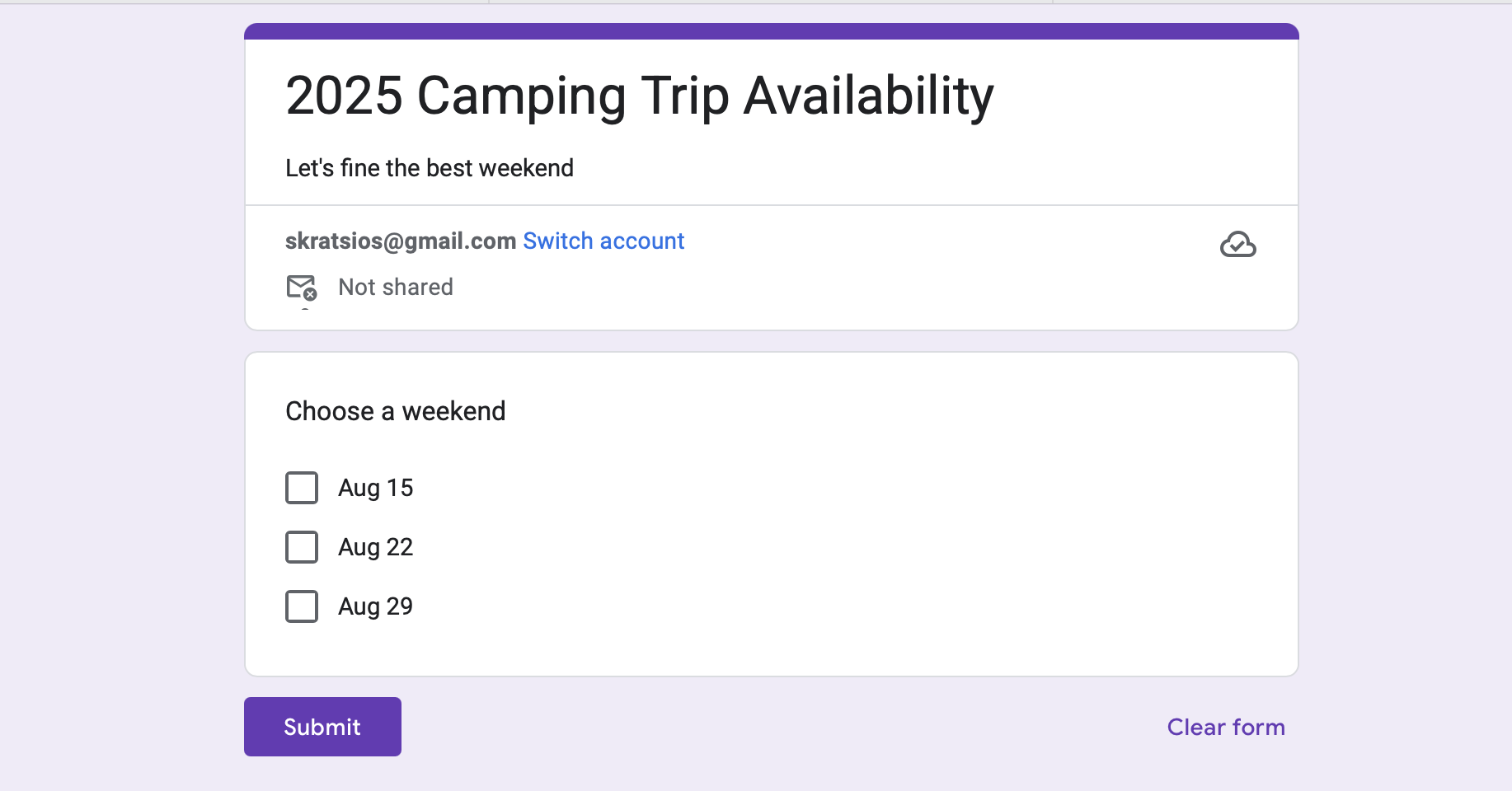
11. SurveyMonkey – Robust, But Overkill
Designed for surveys, not scheduling—but it works if you really want it to.
-
Pros:
-
Powerful form logic
-
Brand credibility
-
User friendly
-
Integration with other tools
-
Mobile responsive
-
-
Cons:
-
Complex for simple scheduling
-
Expensive plans
-
Missing advanced features that other tools offer specifically for group scheduling
-
-
Best for: Businesses already using SurveyMonkey
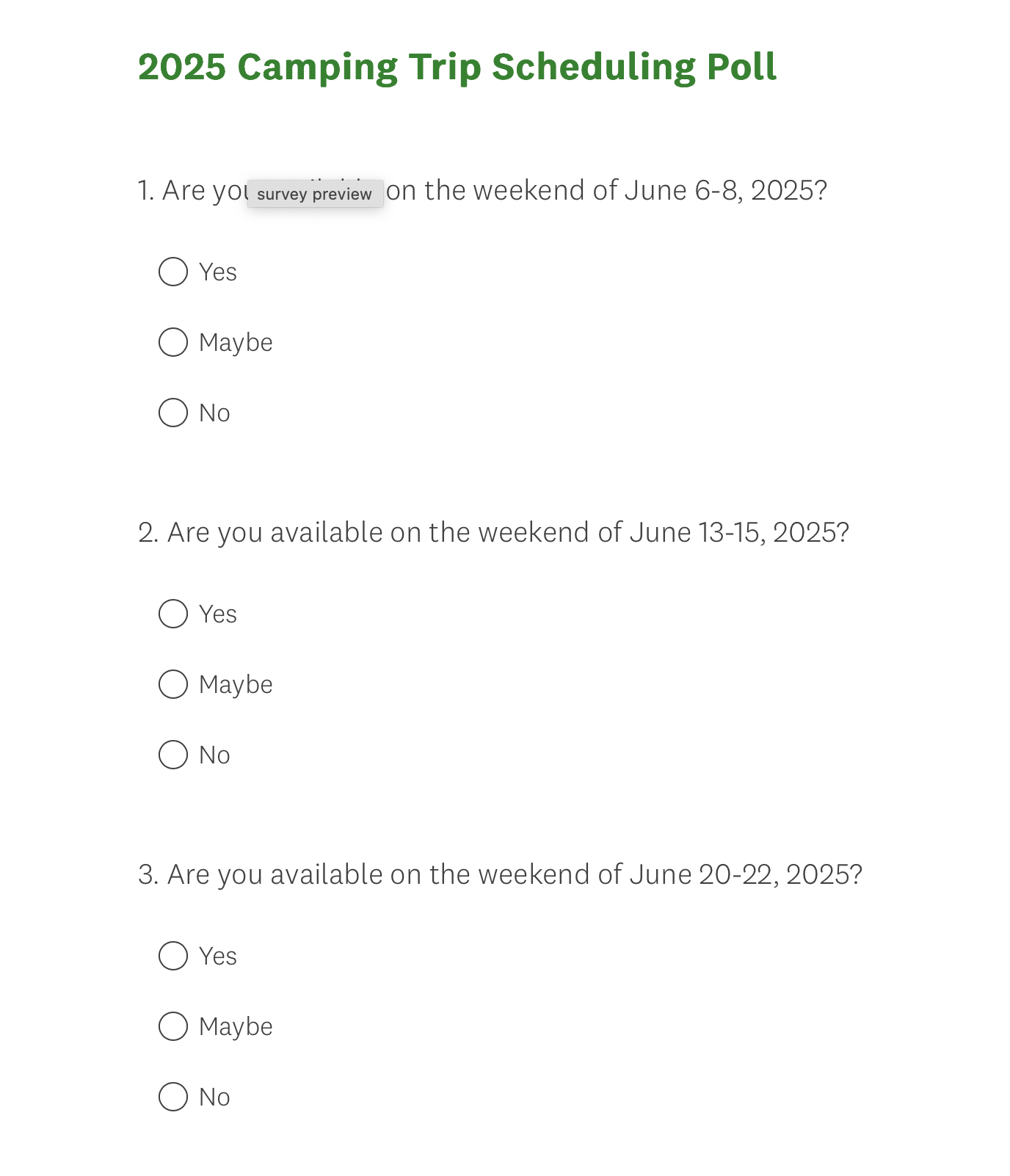
12. SavvyCal – Best for Polished Group Scheduling Interface
SavvyCal is a great Doodle competitor, but it’s more focused on individual bookings than group polls.
-
Pros:
-
Sleek UI
-
Personal availability overlays
-
No ads
-
Interactive calendar overlay
-
-
Cons:
-
Limited options - Missing advanced features that other tools offer specifically for group scheduling
-
Requires login
-
-
Best for: Consultants, sales teams, solo professionals

13. WhenAvailable – Nice UI, Few Extras
WhenAvailable feels like a modern spin on When2meet but with a little more polish.
-
Pros:
-
Good for one-off events
-
-
Cons:
-
Not ideal for teams or recurring events
-
-
Best for: Volunteer events that need a quick and simple solution
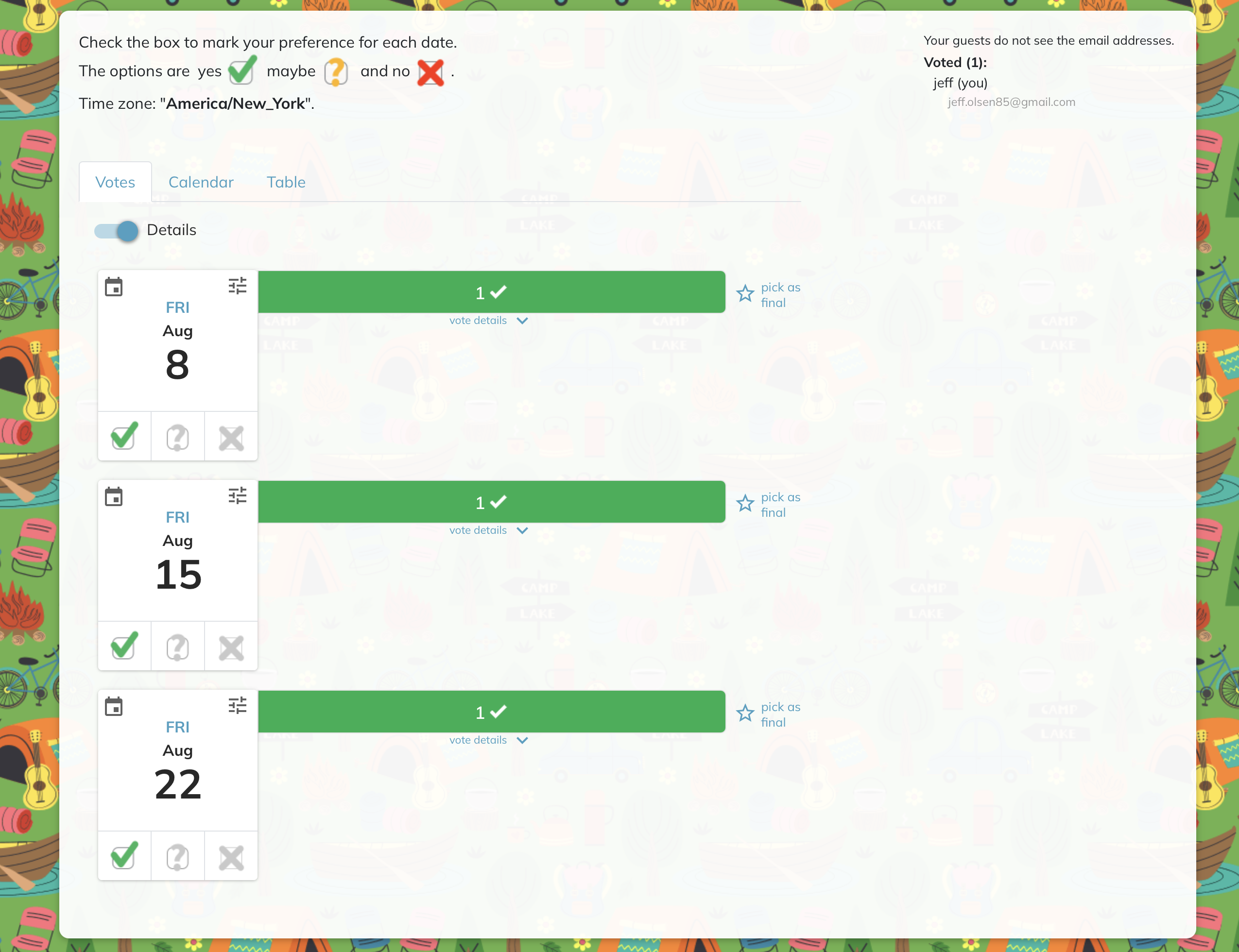
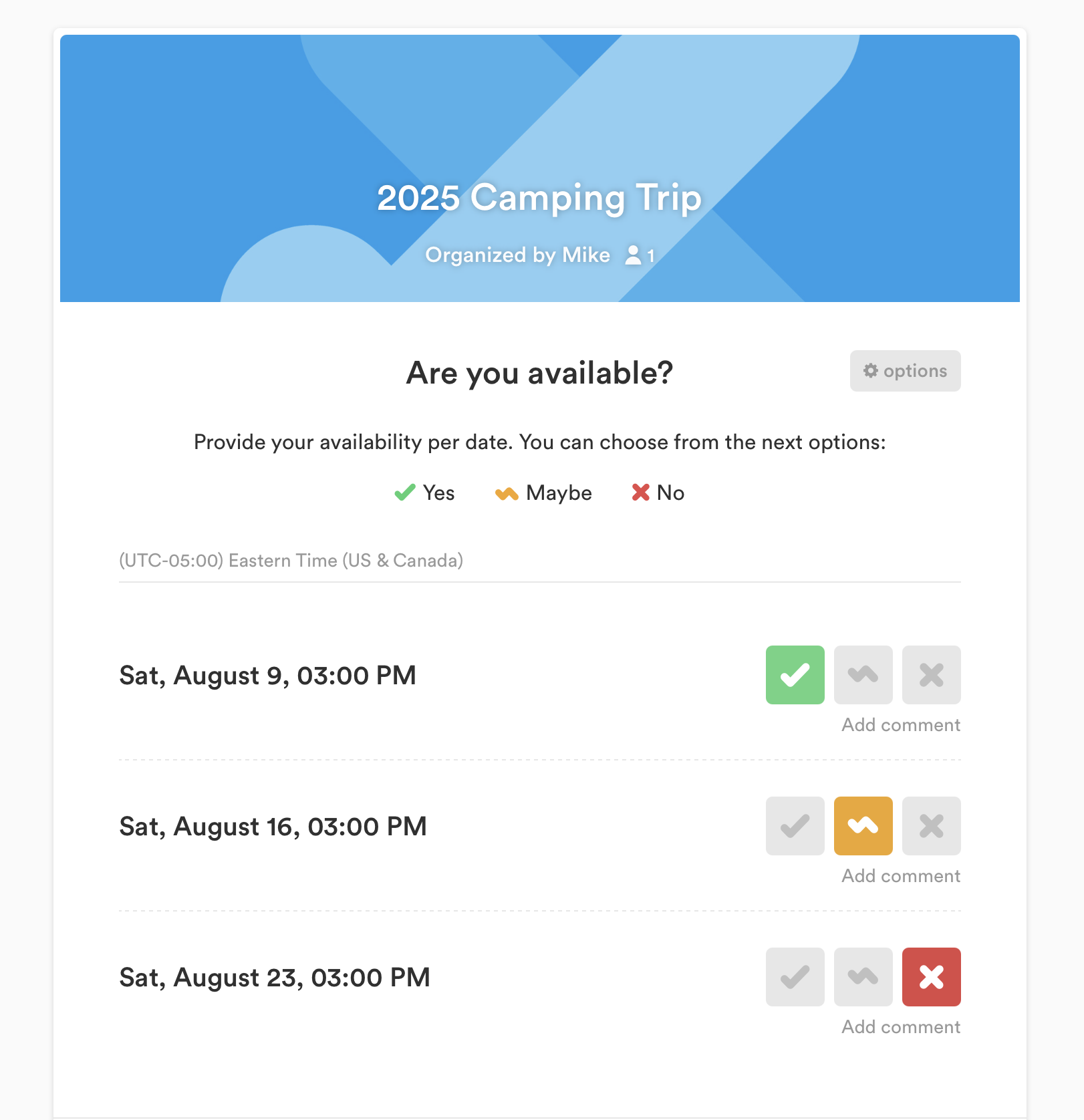
14. Cally – Another OG group meeting poll tool
Fast, clean, and free group polling—perfect for casual meetups, if you can handle lengthy poll pages.
-
Pros:
-
limited features
-
More modernize UI than some of the other tools, but still could be be simpler
-
Themes and customizations
-
-
Cons:
-
Ads on pages
-
Not very professional
-
-
Best for: Friends and social events
15. WhenIsGood – Barebones but Functional
Another classic with a minimalist feel.
-
Pros:
-
No account needed
-
-
Cons:
-
No calendar sync
-
Clunky UX
-
-
Best for: Anyone who wants a quick tool with no learning curve
🧠 Final Thoughts
If you’re organizing anything that involves more than two people, a group scheduling tool will save your sanity. Whether you need something lightweight like Rallly or something full-featured like TallyCal, there’s an option for every use case in 2025.
For most users, especially educators, teams, and volunteer coordinators, TallyCal stands out as the best all-around choice. It brings the polish of modern SaaS with the flexibility of a scheduling poll tool.
✅ TL;DR — Top Picks by Use Case:
-
Best overall: TallyCal
-
Best free & open source: Rallly
-
Best for quick casual polls: StrawPoll
-
Best traditional option: Doodle
-
Best for student groups: When2meet